DisclosureWe may earn a commission when you buy through links on this page. This doesn't affect our recommendations. Learn more
How to pick a portable power bank
Pick a power bank by matching its watt-hour capacity, output rating and connectors to your devices, allowing for conversion loss, checking current airline rules, and weighing the ChargeCard's compact size against its limited capacity.
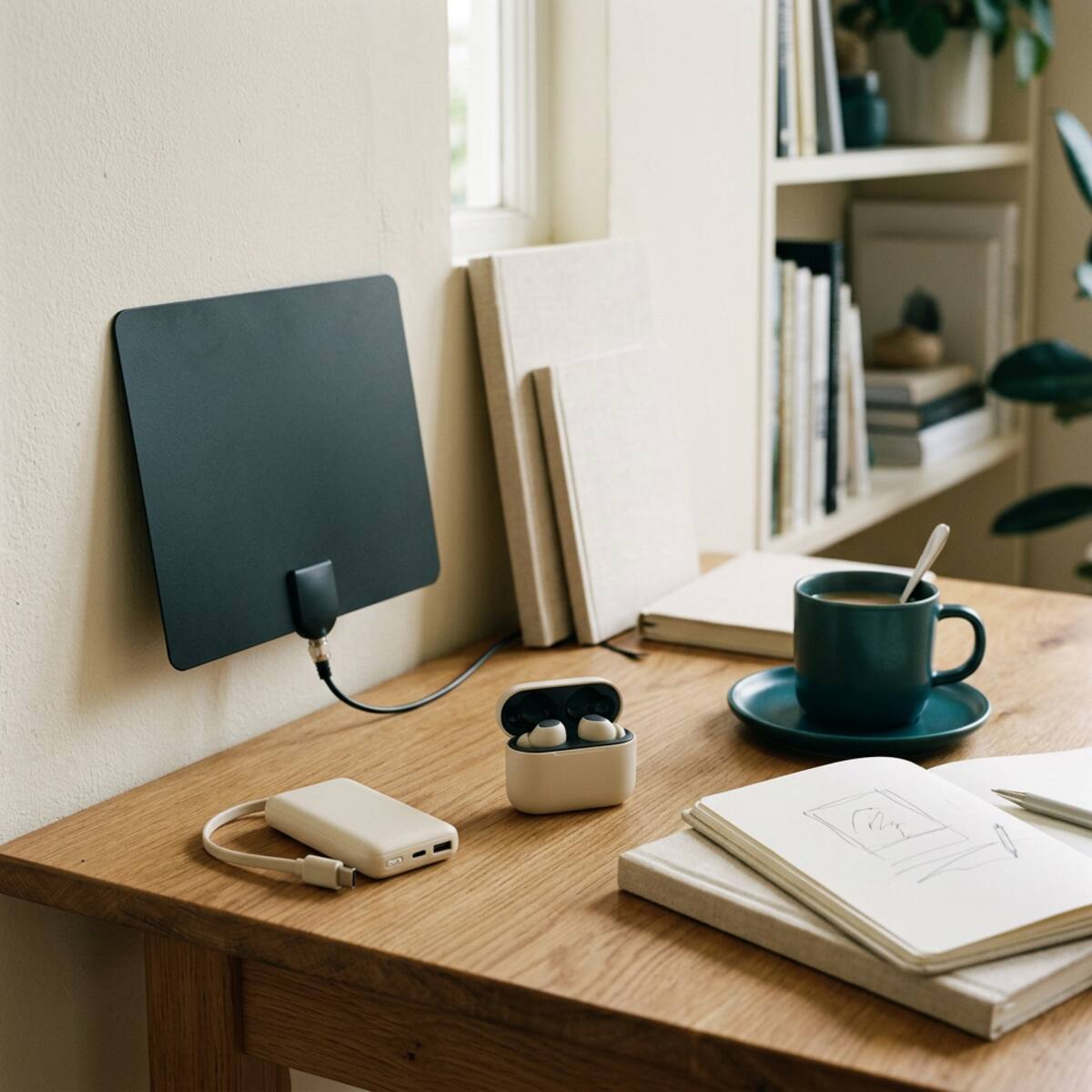
A portable power bank is a simple idea with a surprising number of details. Capacity labels, connector types and output ratings all affect whether a given model suits your phone, your bag and your routine. This guide explains how to compare them, then looks at one compact option, the ChargeCard, as a worked example of the trade-offs.
How this guide was put together
This is a research-based guide. It draws on manufacturer-style product descriptions and general battery principles. We have not independently tested any product mentioned here, so nothing below should be read as a measured result. Where a specification matters to you, confirm it on the current product page or with the seller before buying.
Start with what you need to charge
List your devices
Write down every device you might plug in: phone, earbuds, a tablet, perhaps a small camera. Each has its own battery size and charging requirements. A bank that suits a phone may be a poor match for a tablet.
Estimate your real need
Think in watt-hours (Wh), because it is the unit that lets you compare a bank with a device battery directly. Many products are labeled in milliamp-hours (mAh) instead. You can convert with a simple formula: mAh multiplied by the cell voltage, divided by 1,000. Cells are commonly rated around 3.6 or 3.7 volts, but check the label.
Then allow for loss. A power bank stores energy at one voltage and delivers it at another, and the conversion wastes some as heat. Cables and the device's own charging circuitry add more loss. You will receive less usable energy than the printed capacity suggests, and no seller can honestly promise a specific number of full recharges or a fixed percentage.
A practical approach is to decide how much extra charge you want, such as one top-up for a phone during a long day, and choose a bank whose Wh rating comfortably exceeds that after loss.
Comparison criteria that matter
- Capacity in Wh: Compare current, listed capacity. Higher capacity usually means more size and weight.
- Output rating: Look at the watts or volts and amps each port provides. Your device needs to be able to accept what the bank offers, and the bank should meet what the device asks for.
- Connector types: Check the output port and the input port used to recharge the bank. Confirm whether a cable is included.
- Recharge input: A bank that is slow to refill can be inconvenient if you forget to charge it overnight.
- Size and weight: A bank you leave at home does nothing. Be honest about what you will actually carry.
- Safety information: Look for clear labeling, a named manufacturer and documentation. Do not assume a certification exists unless the listing states it and you can verify it.
- Return and warranty terms: Read these before purchase, not after a problem.
Product in focus: ChargeCard
The ChargeCard is described as a slim, compact rechargeable backup battery for compatible phones, designed for pocket or wallet storage. The description asks buyers to compare its current capacity in watt-hours, connector types, output rating and device requirements. It also notes that energy conversion uses some of the stored charge, so no specific recharge percentage is guaranteed. We have not tested it, and the points below come from that description.
Pros
- Compact backup power: Its main appeal is portability. A slim form is easier to keep with you than a larger brick, which makes it a plausible emergency reserve.
Cons
- Small size limits available capacity: A thin body leaves less room for cells. Expect a modest top-up rather than a deep reserve, and check the listed Wh figure to see what that means for your phone.
- Compatibility is limited to the devices it is designed for, so verify yours is on the list.
Who it may suit
It may suit someone who wants a small safety net for occasional low-battery moments, who carries a compatible phone, and who values pocket space over capacity. It fits shoppers comparing everyday technology who will read the specifications first.
Who should not buy it
- Anyone who expects guaranteed outcomes, such as a set number of full phone charges.
- People who need to charge a tablet, laptop or several devices at once.
- Heavy users who drain a phone quickly and need substantial extra capacity.
- Anyone whose device is not confirmed as compatible by the current specifications.
Review the current specifications and return policy before deciding.
Compatibility checklist
- Match the bank's output connector to your cable and your device's charging port.
- Confirm your device's charging requirements, including any special wireless or wired charging standards it relies on.
- Check whether the bank can charge while it is itself being charged. Not all can, and it is not always advisable.
- If you use a protective case, check whether it affects fit or connection.
Safety and travel basics
Power banks contain lithium-based cells, so basic care matters. Use the cable and charger recommended in the manual. Do not use a bank that is swollen, damaged, unusually hot or leaking. Avoid leaving it in a hot car or under a pillow while charging. Do not crush, pierce or disassemble it.
If you fly, check your airline's current rules before you pack. Policies on power banks commonly refer to watt-hour ratings and usually involve carrying them in the cabin rather than in checked luggage, but rules vary and change, so confirm the specifics with the airline and note the Wh rating printed on the bank itself. A bank without a visible rating can cause delays at security.
Questions to ask a seller
- What is the rated capacity in Wh, and is that the cell capacity or the deliverable output?
- What are the output ratings for each port?
- Which devices has the manufacturer listed as compatible?
- Is a charging cable included, and which connector does it use?
- What safety documentation or certification is available, and can I see it?
- What is the return window, and who pays for return shipping?
- What does the warranty cover, and who handles claims?
- Is the printed rating on the unit itself, for travel purposes?
Alternatives to buying a new bank
- Keep your existing equipment: If you already own a bank that works with your devices, a new one adds little. Check that it still holds a reasonable charge before replacing it.
- Charge more often: Topping up at a desk or in a car can remove the need for a reserve.
- Carry a spare cable and wall adapter: If your issue is access to outlets rather than capacity, this may be enough.
- Battery case or larger bank: If you regularly run out of power, a higher-capacity option is more realistic than a slim one.
Practical decision guidance
Work through it in order. First, decide what you need to charge and how much extra energy you honestly want. Second, convert any mAh figures to Wh and allow for conversion loss. Third, verify connectors, output and compatibility against your devices. Fourth, weigh portability against capacity: a slim model like the ChargeCard trades capacity for convenience, which is a good deal only if your needs are modest. Finally, read the return policy and the current specifications, and confirm airline rules if you will travel.
If your existing setup already covers your day, there may be nothing to buy. If it does not, choose the smallest bank that meets your realistic need, and treat all capacity claims as unverified until you have checked them yourself.
Our coverage is research-based, not hands-on testing. Source product descriptions have not been independently tested; verify the current seller specifications before purchase. See our Editorial Policy.
Keep reading
More in Tech & Gadgets
Useful car accessories, without the big promises
A research-based look at three car accessories (an OBD-II code reader, a slim power bank and a portable tire inflator), with comparison criteria, limits, seller questions and alternatives.
October 26, 2026
Everyday tech worth a closer look in 2026
A research-based look at three everyday tech accessories (a photo backup stick, a TV headset and a slim power bank) with comparison criteria, pros and cons, seller questions and alternatives.
October 26, 2026
Pack smarter: a practical travel gadget guide
A research-based guide to three travel gadgets, the Aerless vacuum packing kit, the Ryoko portable hotspot and the ChargeCard power bank, with pros, cons, compatibility checks, seller questions and alternatives such as using what you already own.
October 26, 2026
The Sunday Shortlist
A short list of useful finds. Zero hype.
Occasional emails, mostly reading, sometimes a link. Unsubscribe any time.