DisclosureWe may earn a commission when you buy through links on this page. This doesn't affect our recommendations. Learn more
Everyday tech worth a closer look in 2026
A research-based look at three everyday tech accessories (a photo backup stick, a TV headset and a slim power bank) with comparison criteria, pros and cons, seller questions and alternatives.
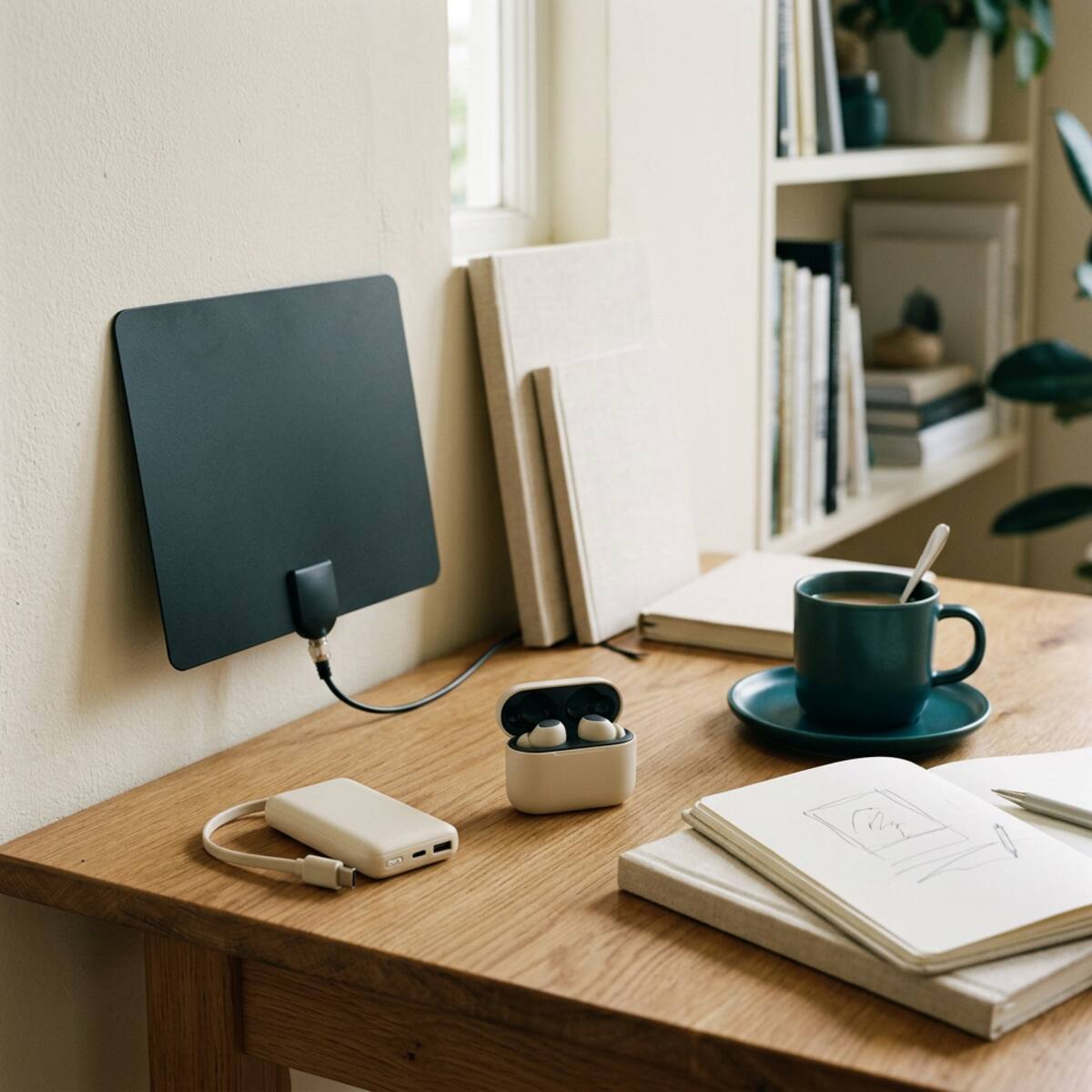
How this guide was put together
This is a research-based guide, and it is our first publication. We have not tested these products hands-on. Everything below comes from product descriptions and stated limitations, none of which we have independently verified. Treat it as a checklist for your own research, not a verdict. We have not ranked these items, and we cite no prices, ratings, stock levels or performance figures. Check all of those with the seller before you decide.
The three products at a glance
- PhotoStick Omni: a portable USB storage accessory with companion software for finding and copying supported photo and video files.
- HearDirect Wireless Headset: a TV headset system that gives one viewer a separate listening volume.
- ChargeCard: a slim, wallet-sized rechargeable backup battery for compatible phones.
All three solve small, practical problems. All three also depend on details such as connectors, ports and software, and those details are where most disappointments start.
Comparison criteria that apply to everything here
- Compatibility first: confirm your operating system, ports, connectors and device model against the current listing, not an older one.
- Total cost: add any adapters, cables, extra storage or replacement batteries to the headline price. We have not verified any live deal, so compare the full cost across sellers.
- Ownership effort: consider setup time, software permissions, charging routines and how often you will realistically use the item.
- Return terms: read the current return policy before buying, and keep packaging until you have confirmed everything works with your equipment.
- Existing alternatives: ask whether gear you already own covers most of the need.
PhotoStick Omni
What the research says
The listing describes a USB storage accessory with companion software that finds and copies supported photo and video files. The appeal is straightforward: a portable, offline place to gather scattered pictures from a computer without relying on an internet connection.
Pros
- Portable offline storage that you can keep in a drawer or a travel bag.
- Companion software may reduce the manual work of locating files spread across folders.
Cons and cautions
- Software permissions and device compatibility need checking. Find out what access the software asks for and whether it runs on your operating system.
- Only supported file types are covered, so confirm that your formats are on the list.
- Capacity and connector type vary by model, so compare them against the size of your library and the ports on your computer.
Who it suits
It may suit someone with a computer full of unorganized photos who wants a simple offline copy and is comfortable reviewing software permissions.
Who should skip it
Skip it if you expect it to be your only protection. No single drive is a complete backup strategy, so keep another independent copy. It is also a poor fit if your photos live mainly on a phone and you are unsure the accessory connects to it.
HearDirect Wireless Headset
What the research says
This is a TV headset system for personal listening. A transmitter connects to the television and sends audio to the headset, so the wearer can set a volume separate from the room.
Pros
- Personal volume adjustment, which can help households where people want different listening levels.
- It is a dedicated system, so you do not need to pair a phone or rely on a general-purpose accessory.
Cons and cautions
- TV connections and latency need checking. Compare the transmitter's inputs with your TV's audio outputs. Newer sets sometimes offer fewer output types than older ones.
- Confirm whether the TV speakers can stay on while the headset is in use. Support for simultaneous speaker output varies.
- Look at the charging arrangement, such as a dock or a cable, and decide where it will sit.
- Any delay between picture and sound is worth asking about before you buy.
We do not claim universal compatibility, and we make no medical or hearing-related claims. It is a consumer listening accessory, not a substitute for professional advice on hearing.
Who it suits
It may suit viewers who share a living space with someone who prefers a different volume, and who have a TV with a suitable audio output.
Who should skip it
Skip it if your TV has no usable audio output and you do not want to buy adapters. If you are happy with your current speakers, soundbar or a headset you already own, you may not need it.
ChargeCard
What the research says
ChargeCard is described as a compact rechargeable power bank designed to fit in a pocket or wallet. Its main trade-off is convenience against capacity.
Pros
- Compact backup power that is easy to carry every day.
- It may be useful as an occasional safety net on days away from outlets.
Cons and cautions
- Small size limits available capacity. Compare the rating in watt-hours (Wh), which lets you judge different power banks on the same basis, rather than relying on a headline figure alone.
- Some stored energy is lost to conversion and heat, so you will get less than the stated capacity. No specific recharge percentage is guaranteed.
- Check the connector types, the output rating and your phone's requirements.
Battery safety basics
Use the cable supplied or one recommended by the maker. Stop using any battery that swells, overheats or is visibly damaged. Do not leave it charging unattended, and avoid carrying it loose with keys or coins. If you plan to fly, check your airline's current rules for power banks before you travel, because limits can change. We do not state any airline's policy here.
Who it suits
It may suit commuters and light travelers who want a small emergency top-up and have a compatible phone.
Who should skip it
Skip it if you need several full charges, charge multiple devices, or use a device with high power demands. A larger power bank will likely suit you better, and so might simply carrying a charging cable.
Questions to ask a seller
- Which exact model and version is this, and does it match the specifications I read?
- Which operating systems, TV outputs, phone models or connectors are supported, and which are not?
- What does the software access, and can I review its permissions before relying on it?
- What is the stated capacity in Wh, and what is the output rating?
- Is the headset's delay noticeable with my TV's connection type?
- What is the return window, who pays return shipping, and are opened items accepted?
- What is the warranty, and how do I claim it?
- Are any cables, adapters or batteries sold separately?
Alternatives, including keeping what you have
- For photos: a spare external drive, a computer's built-in backup tools or cloud storage may cover the same need. Using two methods is sturdier than relying on one.
- For TV audio: wired headphones with a suitable adapter, a soundbar with a night mode, or a headset you already own may be enough.
- For phone power: a larger power bank, a spare cable and wall charger, or simple charging habits may cut the need for a slim one.
Practical decision guidance
Start with the problem you actually have. If your photos are scattered and unprotected, a backup accessory is worth researching, but plan on a second copy. If TV volume causes friction at home, check your TV's outputs before comparing headsets. If your phone often runs low away from home, decide how much capacity you really need, because a slim battery trades capacity for portability.
In each case, confirm compatibility in writing, work out the full cost, read the return terms and keep the box until you are satisfied. If the answers are unclear, waiting or using what you already own is a perfectly reasonable choice.
Our coverage is research-based, not hands-on testing. Source product descriptions have not been independently tested; verify the current seller specifications before purchase. See our Editorial Policy.
Keep reading
More in Tech & Gadgets
Useful car accessories, without the big promises
A research-based look at three car accessories (an OBD-II code reader, a slim power bank and a portable tire inflator), with comparison criteria, limits, seller questions and alternatives.
October 26, 2026
Pack smarter: a practical travel gadget guide
A research-based guide to three travel gadgets, the Aerless vacuum packing kit, the Ryoko portable hotspot and the ChargeCard power bank, with pros, cons, compatibility checks, seller questions and alternatives such as using what you already own.
October 26, 2026
How to choose and set up an indoor TV antenna
A research-based guide to checking tuner compatibility, location, cabling and return terms before buying and setting up an indoor TV antenna for free local broadcasts, with the NovaWave Antenna as one example.
October 26, 2026
The Sunday Shortlist
A short list of useful finds. Zero hype.
Occasional emails, mostly reading, sometimes a link. Unsubscribe any time.